
Arrêter d’abord
En cas de température, matériel, énergie ou bouton STOP, ne forcez pas les scans répétés.
ULTHERAPY PRIME
Codes Ultherapy courants, causes possibles et premiers contrôles pour documenter les pannes et demander une réparation.
Envoyer une demande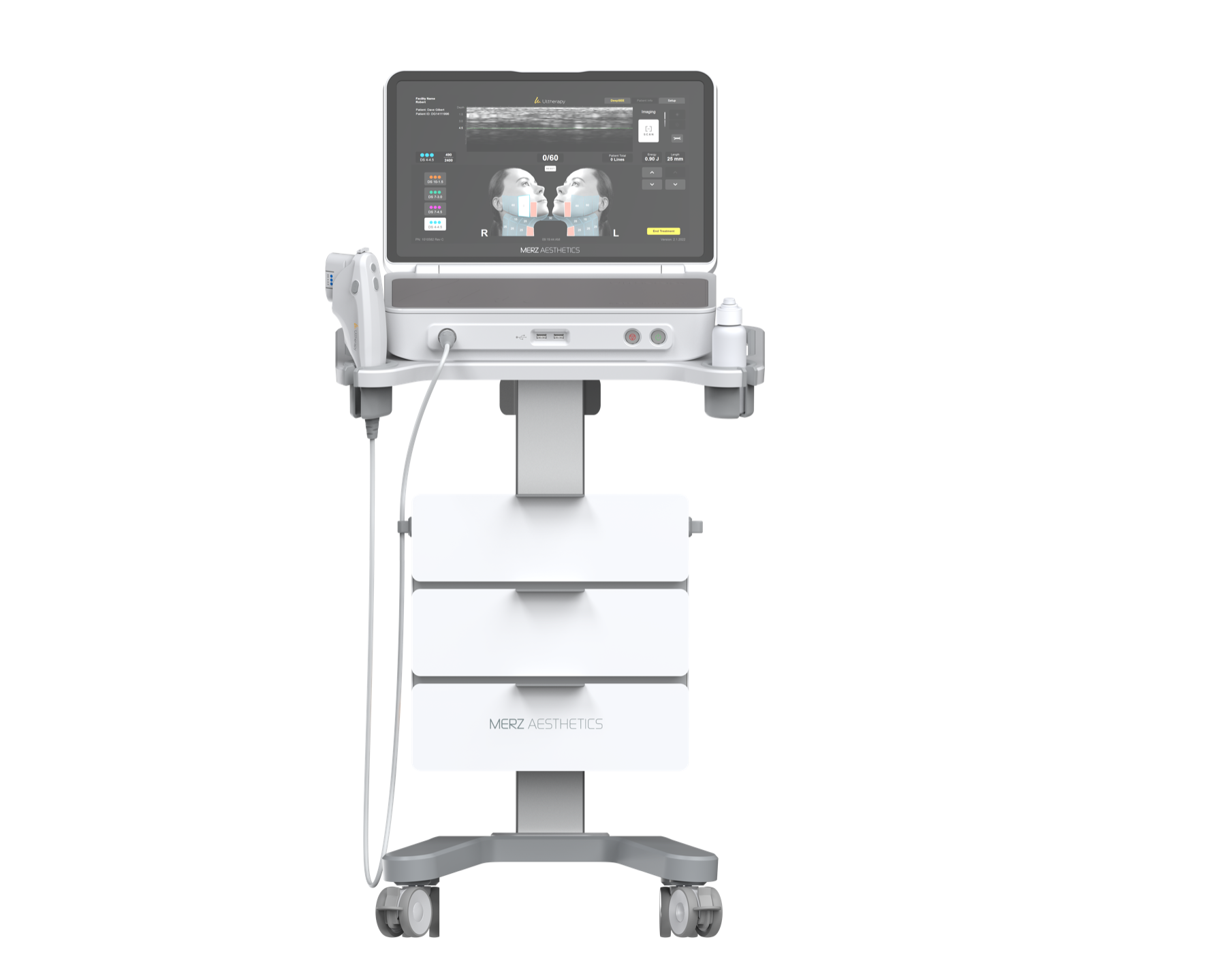
En cas de température, matériel, énergie ou bouton STOP, ne forcez pas les scans répétés.
Photographier l’écran et noter code, modèle de transducteur, lignes restantes et étapes.
Pièce à main, transducteur, USB, ventilation et zone de contact sont les premiers points fréquents.
CODES MESSAGE
Référence initiale uniquement. Ne remplace pas l’IFU, le manuel ou l’inspection sur site. Arrêtez l’usage si l’erreur se répète.
| Code | Zone | Signification possible | Premier contrôle |
|---|---|---|---|
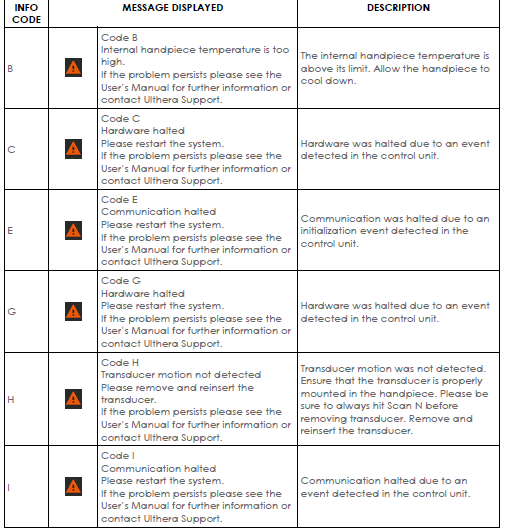
| B | Pièce à main | Internal handpiece temperature is too high. | Pause use and let the handpiece cool down; check for long continuous operation or poor ventilation. |
| C | Unité de contrôle | The control unit detected a hardware event and stopped. | Restart as instructed on screen; if it repeats, record the code and arrange inspection. |
| E | Communication | Communication halted during initialization. | Restart the system and confirm the boot process completes; avoid power loss or removing accessories mid-process. |
| G | Unité de contrôle | The control unit detected a hardware event and stopped. | Restart and observe whether it recurs; keep context and photos if it does. |
| H | Transducteur | Transducer motion was not detected. | Stop scanning first, then remove and reinsert the transducer; confirm it is latched into the handpiece. |
| I | Communication | The control unit detected a communication event. | Restart and observe; if accompanied by handpiece or transducer issues, record accessory status. |
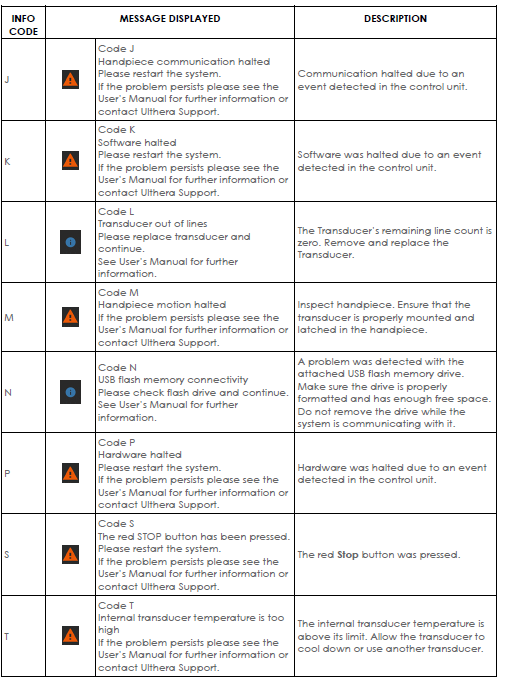
| J | Pièce à main | Handpiece communication halted. | Restart and check whether the handpiece cable and port are secure. |
| K | Logiciel | Software halted due to an event. | Restart the system; if it persists, avoid repeated attempts and arrange inspection. |
| L | Transducteur | The transducer has no remaining lines. | Replace the transducer before continuing; record the model and remaining-line status. |
| M | Pièce à main | Handpiece motion halted. | Check that the handpiece and transducer are correctly installed and locked; reinstall and test again. |
| N | USB | USB drive connection or read/write issue. | Confirm USB format, free space, and insertion status; do not remove it during system read/write. |
| P | Unité de contrôle | The control unit detected a hardware event and stopped. | Restart; if it persists, record the code and arrange hardware inspection. |
| S | Arrêt d’urgence | The red STOP button was pressed. | Confirm STOP button status, rule out accidental press, then restart as instructed. |
| T | Transducteur | Internal transducer temperature is too high. | Pause use and let the transducer cool; use another transducer if needed. |
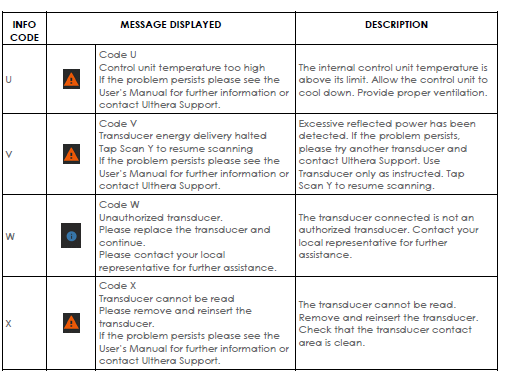
| U | Unité de contrôle | Internal control unit temperature is too high. | Check ambient temperature and ventilation; let the main unit cool before testing again. |
| V | Énergie | Energy delivery halted, possibly due to excessive reflected power. | Resume scanning as instructed; if it repeats, try another transducer and arrange inspection. |
| W | Transducteur | The transducer is unauthorized or not accepted by the system. | Replace with a transducer suitable for the device; do not force continued operation. |
| X | Transducteur | The system cannot read the transducer. | Remove and reinsert the transducer; check that the contact area is clean and dry. |
TRANSDUCER CHECK
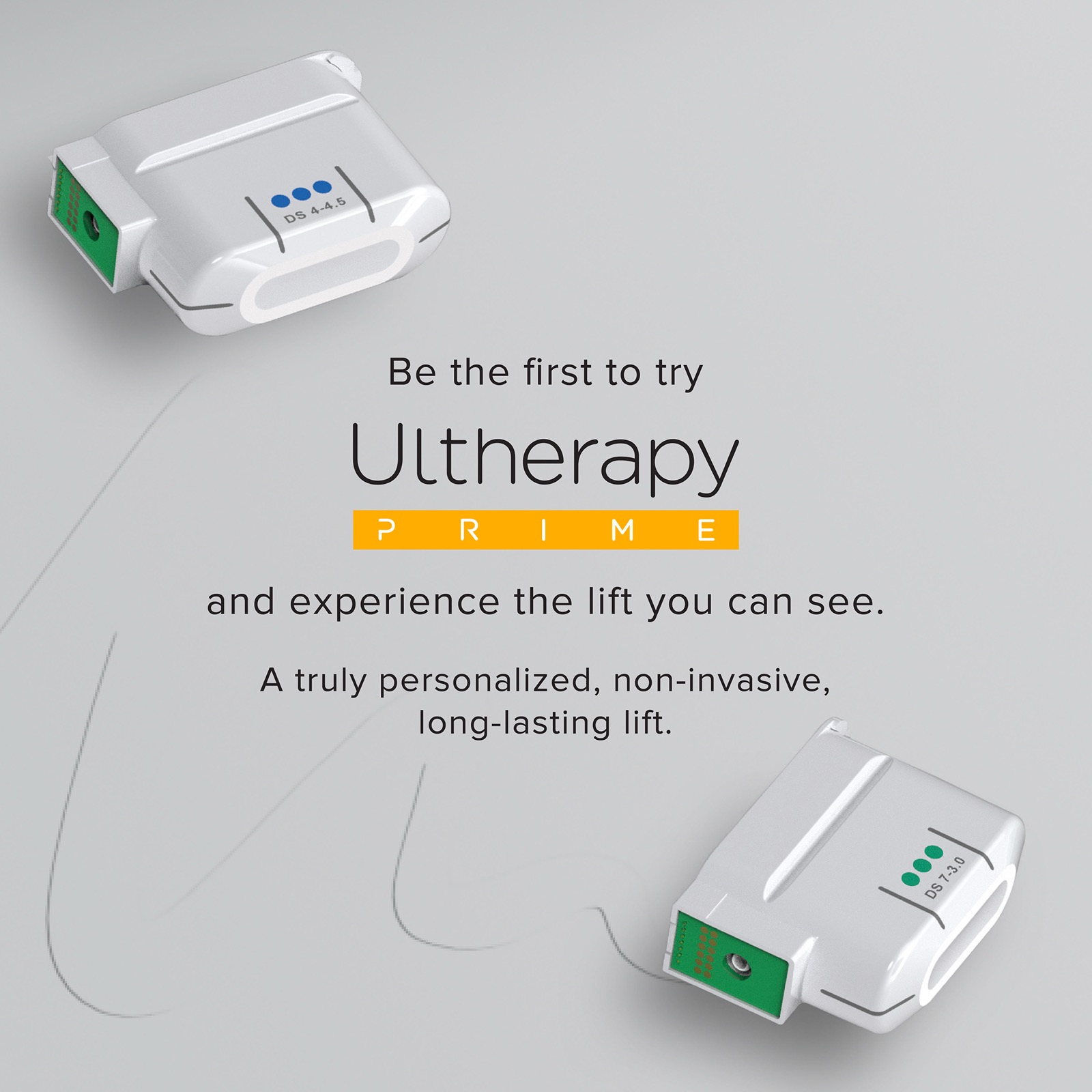
H, L, M, T, V, W et X sont souvent liés au transducteur, à la pièce à main ou à l’énergie. Photographiez contact, verrou, lignes restantes et code écran.
THERMAGE FLX MANUAL NOTES
REFERENCE IMAGES
Images conservées pour vérification manuelle ; utilisez le tableau HTML ci-dessus pour lecture courante.
Les résumés s’appuient sur les documents fournis par l’utilisateur. Cette page sert uniquement aux premiers contrôles et à la communication de réparation.